Format Cells in Excel
Links Verified: March 19, 2026
Formatting cells in Excel makes data easier to read and easier to understand. Good formatting helps numbers look like money, percentages, or dates instead of plain text.
Click image for a larger view.
Useful Cell Formats
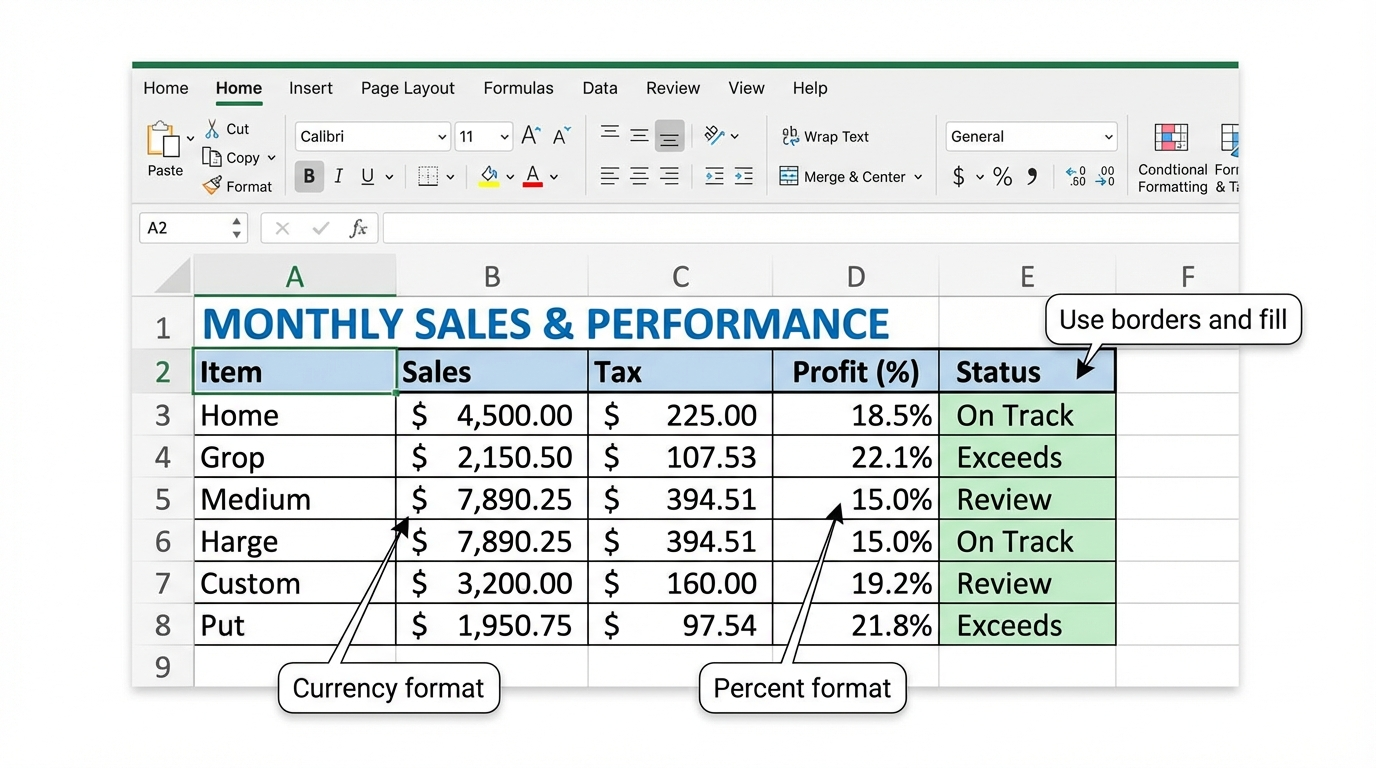
Beginners often use number, currency, date, and percent formats. These formats help Excel display the value in a clearer way without changing the underlying number.
Simple Formatting Tools
You can also use bold text, borders, fill color, alignment, and wrap text to make worksheet information easier to scan.
Try It
- Enter a list of supplies and costs.
- Format the cost column as currency.
- Format one value as a percent.
- Add borders to the table and bold the headings.
Next step: Continue to Formula Basics in Excel.
Internet4classrooms is a collaborative effort by
Susan Brooks and Bill Byles.