Excel Tutorials for School, Home, and Everyday Life
These Excel tutorials help beginners, students, teachers, and families learn practical spreadsheet skills in a clear step-by-step way. Start with the branch that fits your needs, then continue through the section as your skills grow.
Explore the Excel Tutorials Section
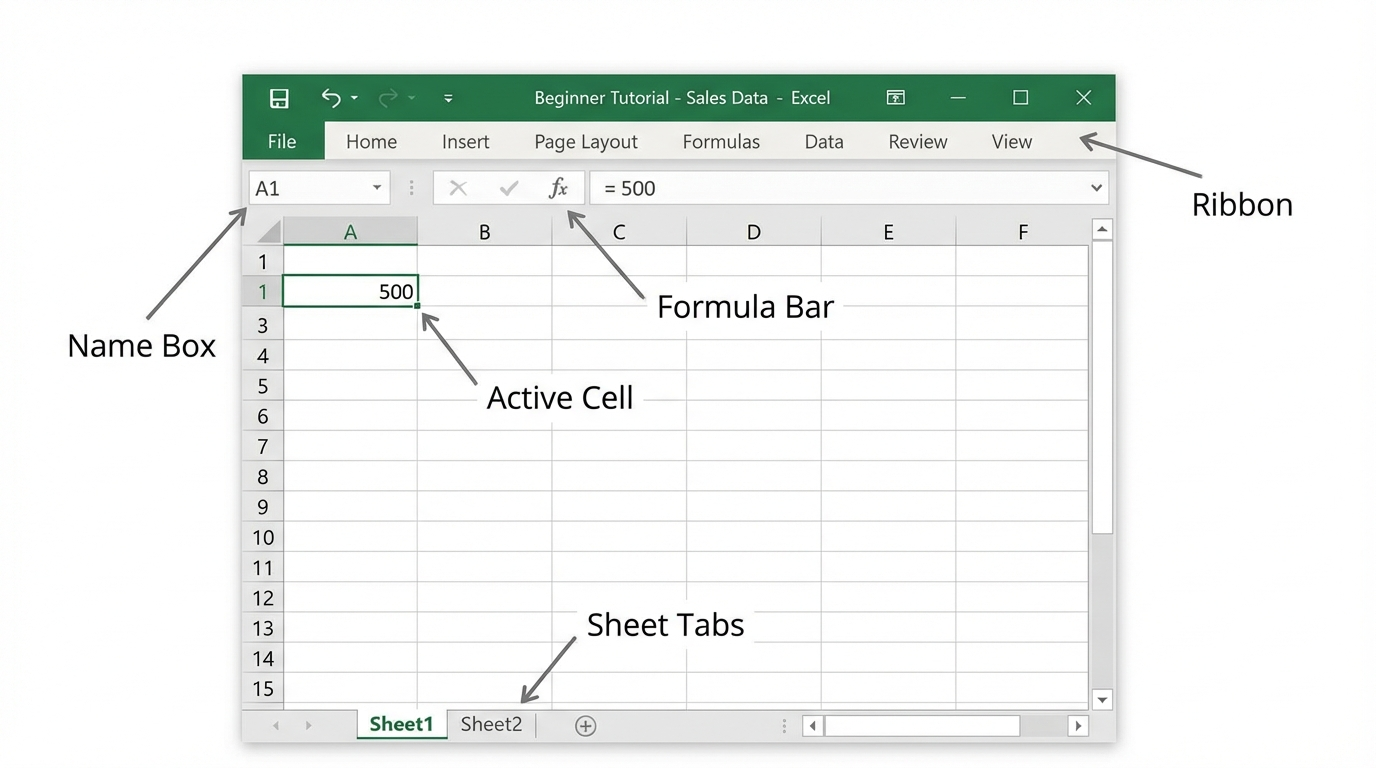
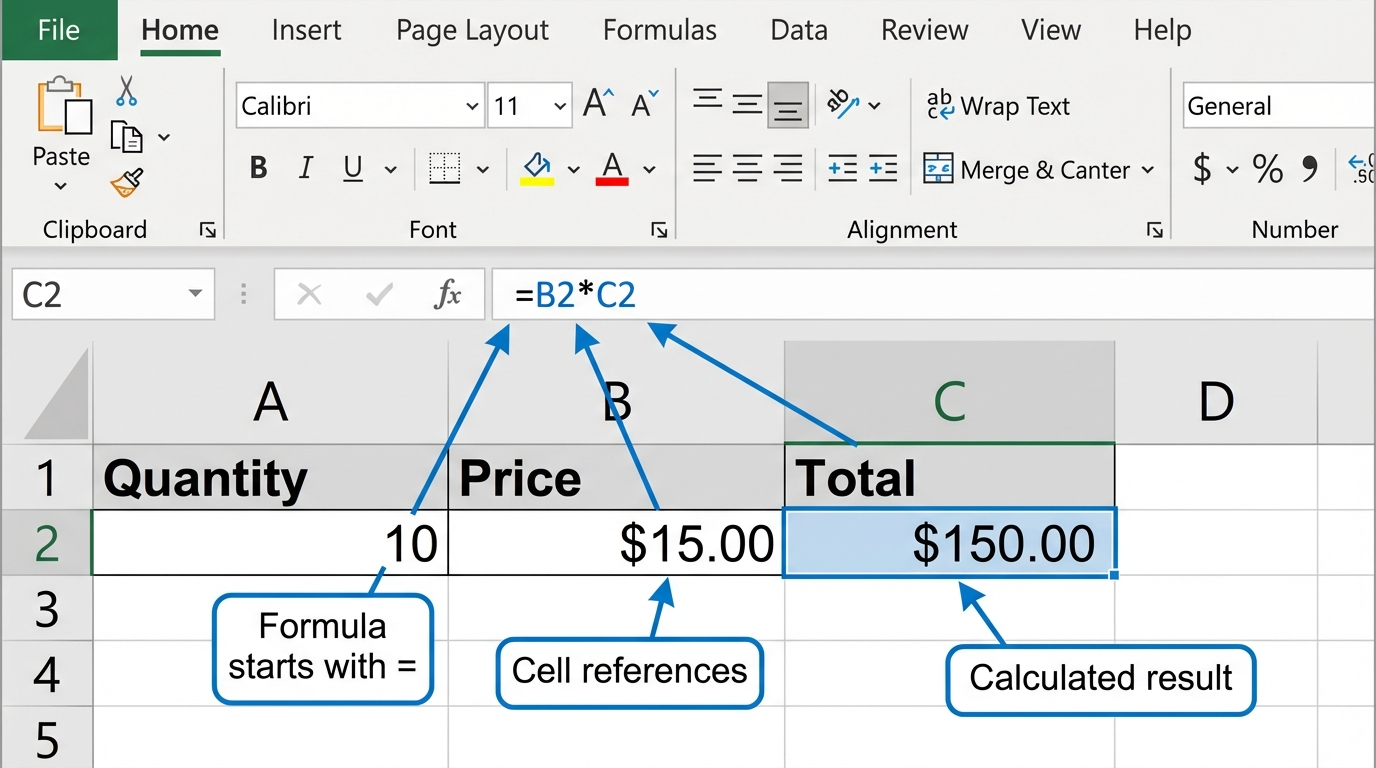
 Excel Basics Start here if you are new to spreadsheets. Learn the Excel interface, basic formatting, formulas, and first-use chart skills. |
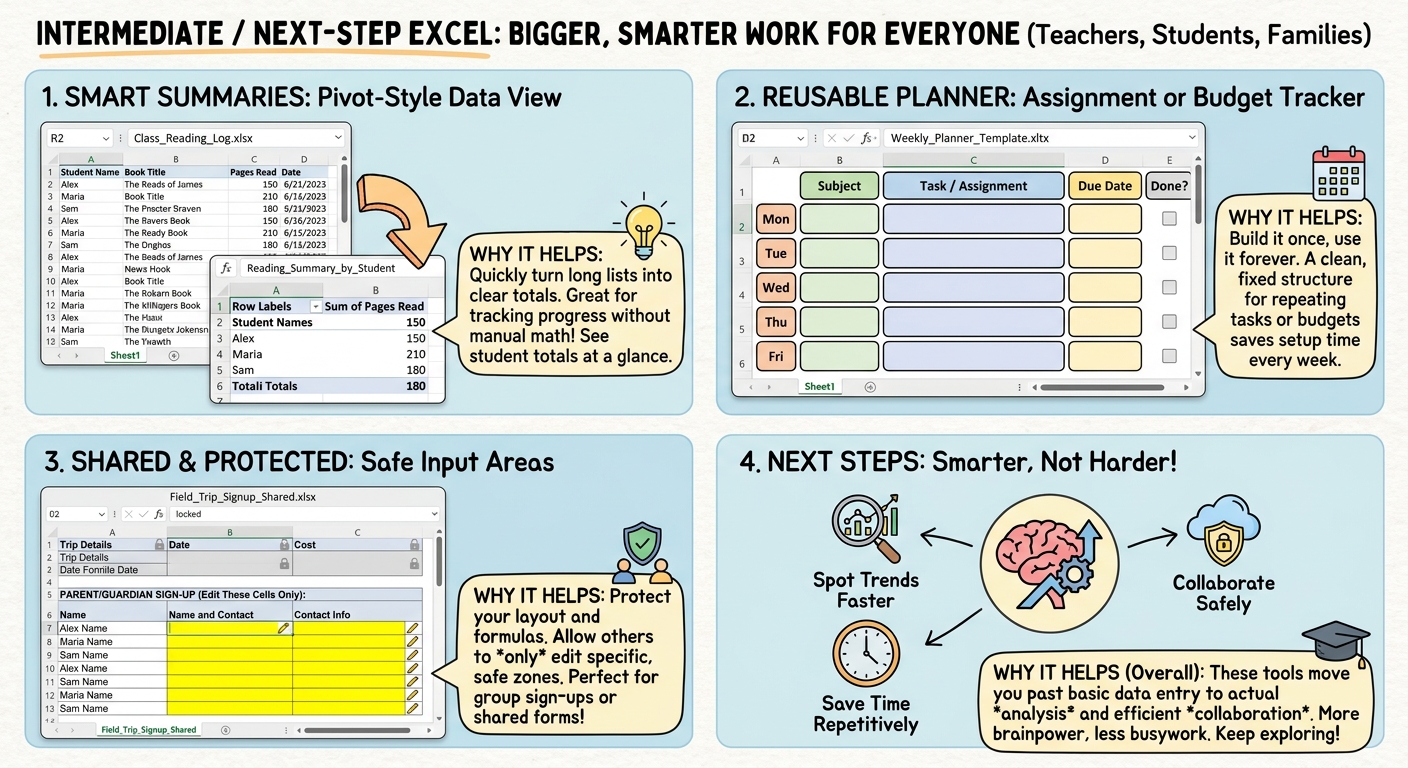
 Intermediate / Next-Step Excel Move into pivot tables, reusable templates, sheet protection, and stronger multi-step workflows. |
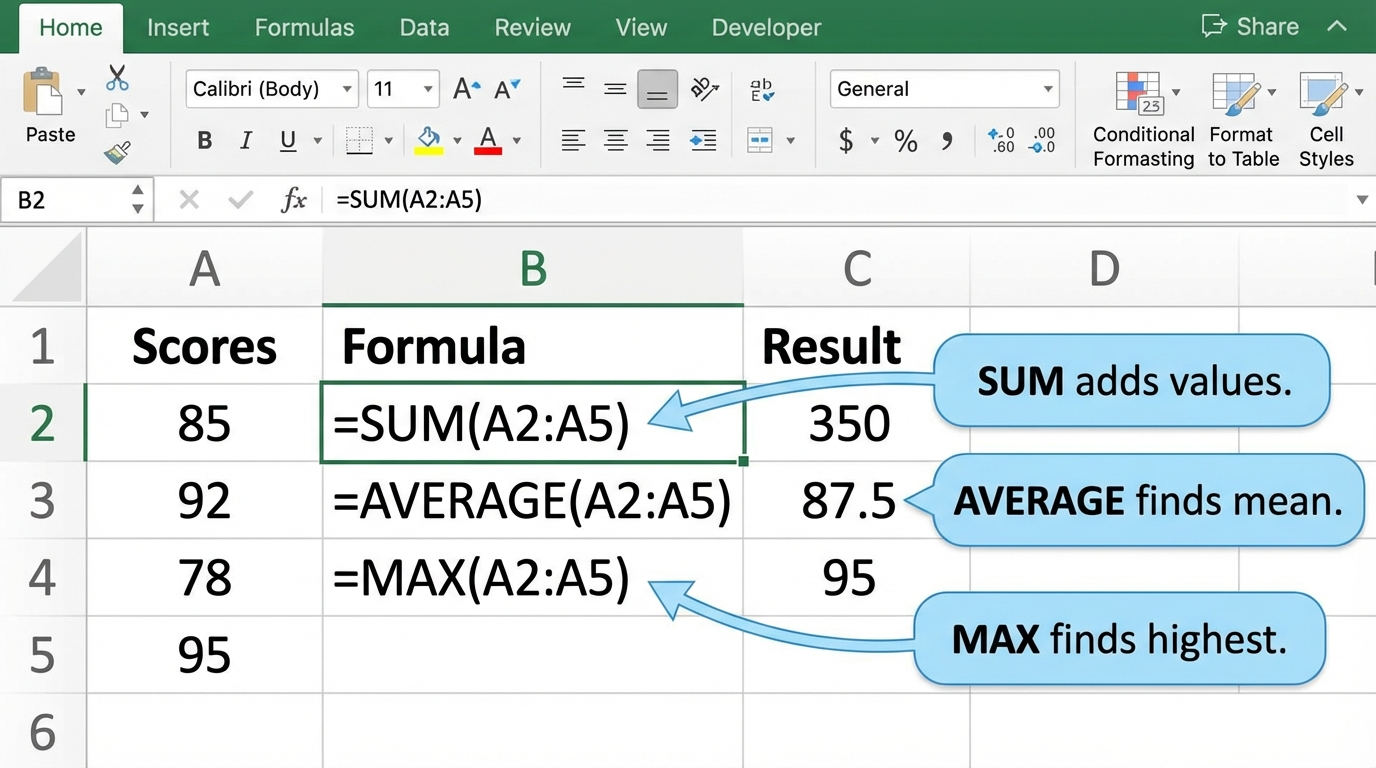
 Formulas and Functions Use Excel to calculate, compare, and automate spreadsheet work more effectively. |
 Data Skills Sort, filter, clean, validate, and organize information for classroom and home uses. |
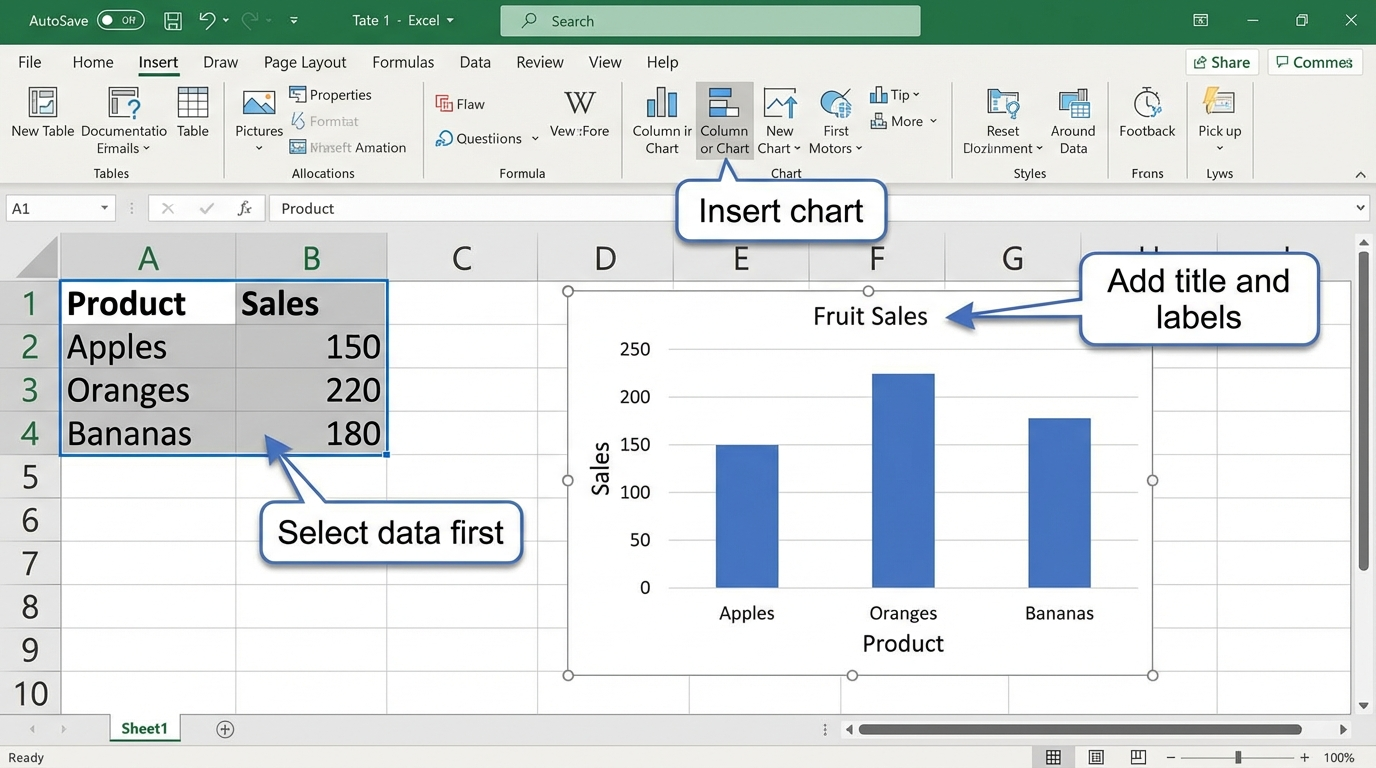
 Charts and Data Visualization Turn numbers into charts and visuals that are easier to understand, compare, and explain. |
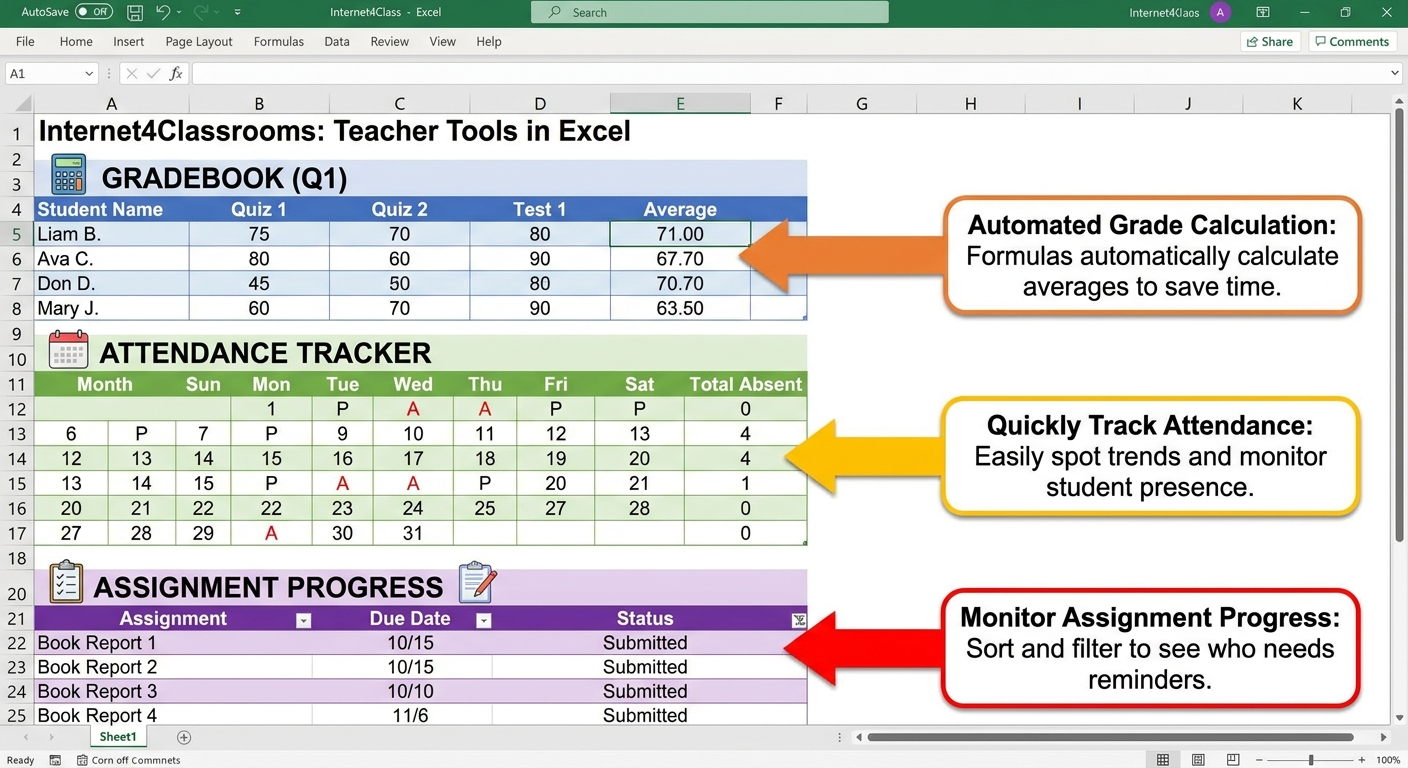
 Teacher Tools in Excel Use Excel for gradebooks, attendance, assignment tracking, inventory, and other classroom records. |
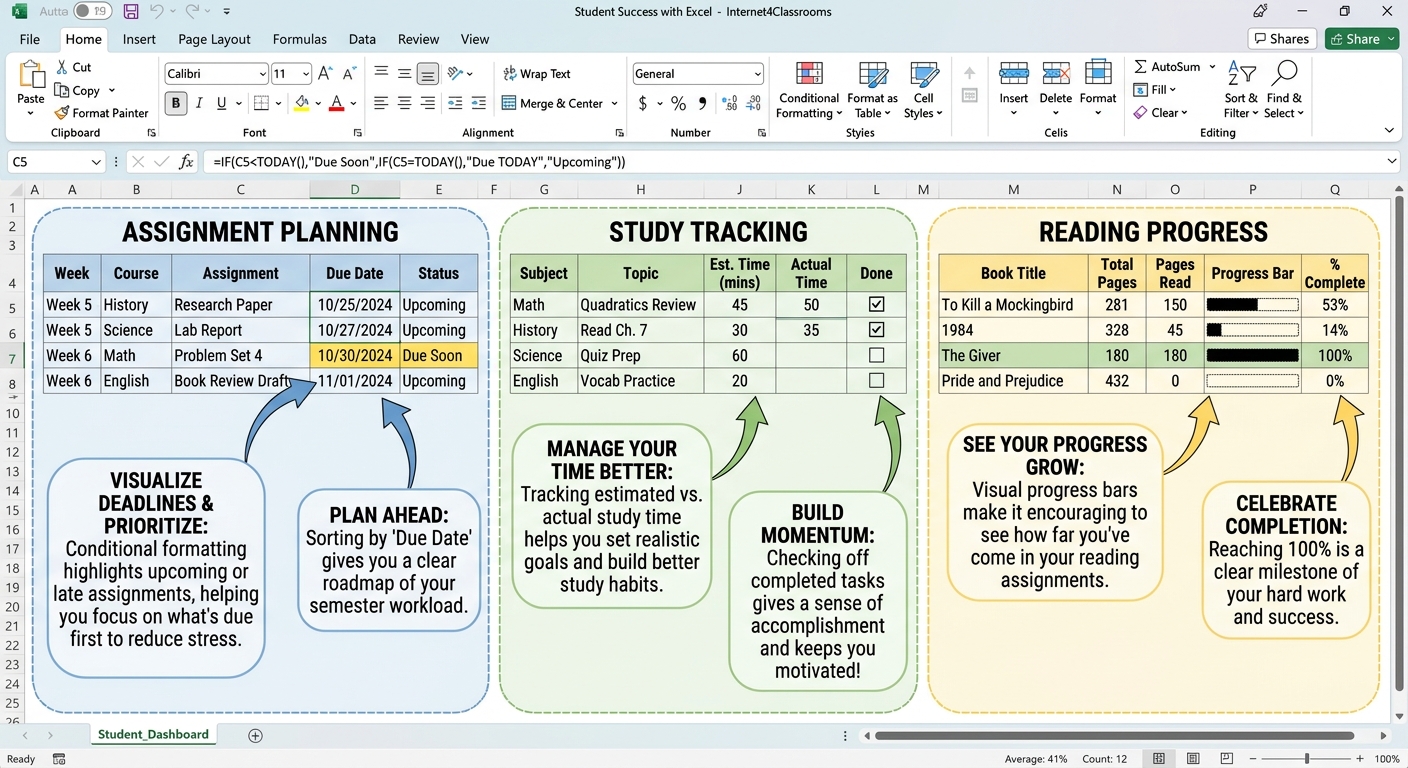
 Student Success with Excel Help students track assignments, study time, reading progress, surveys, charts, and budgeting skills. |
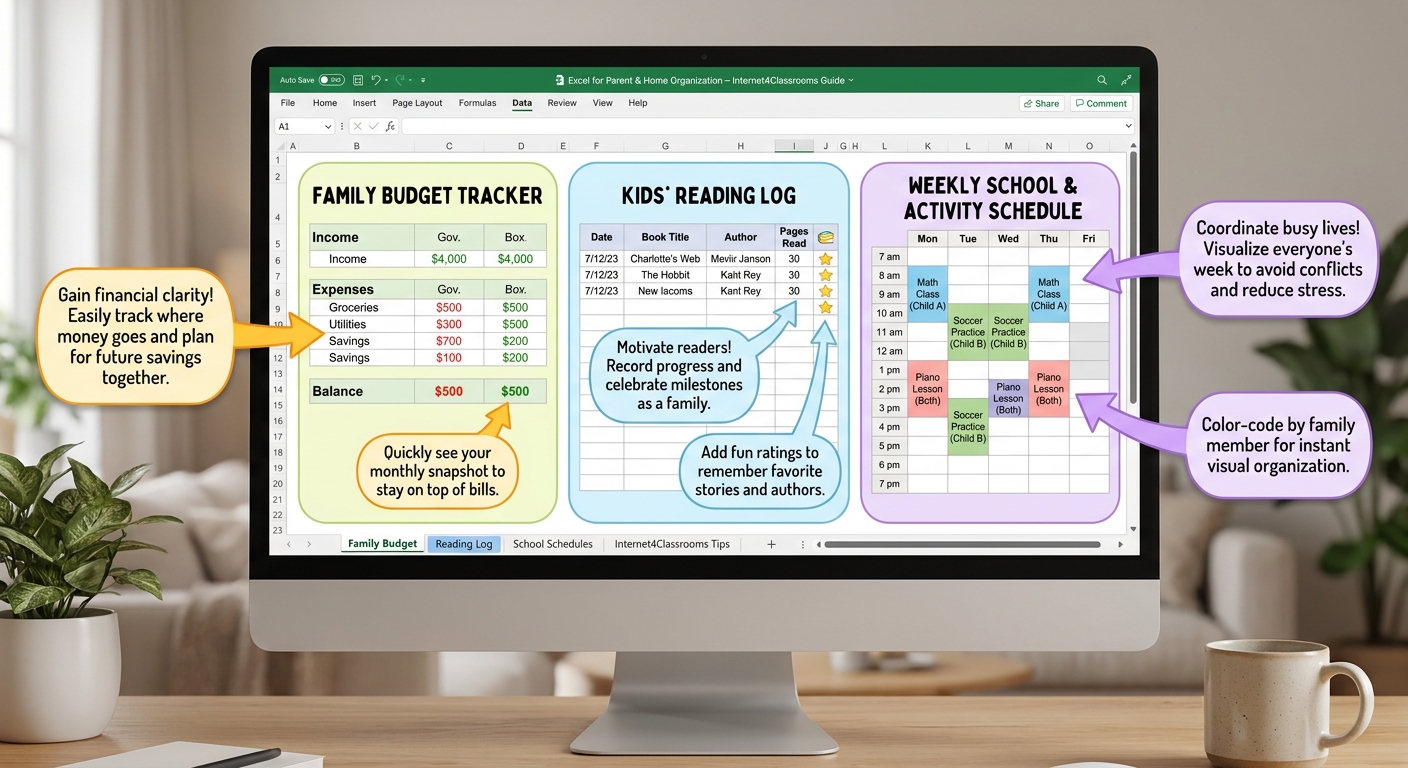
 Parent and Home Uses for Excel Use Excel at home for budgets, reading logs, schedules, chores, meal planning, and savings goals. |
 Intermediate / Next-Step Excel Move into pivot tables, reusable templates, sheet protection, and stronger multi-step workflows. |
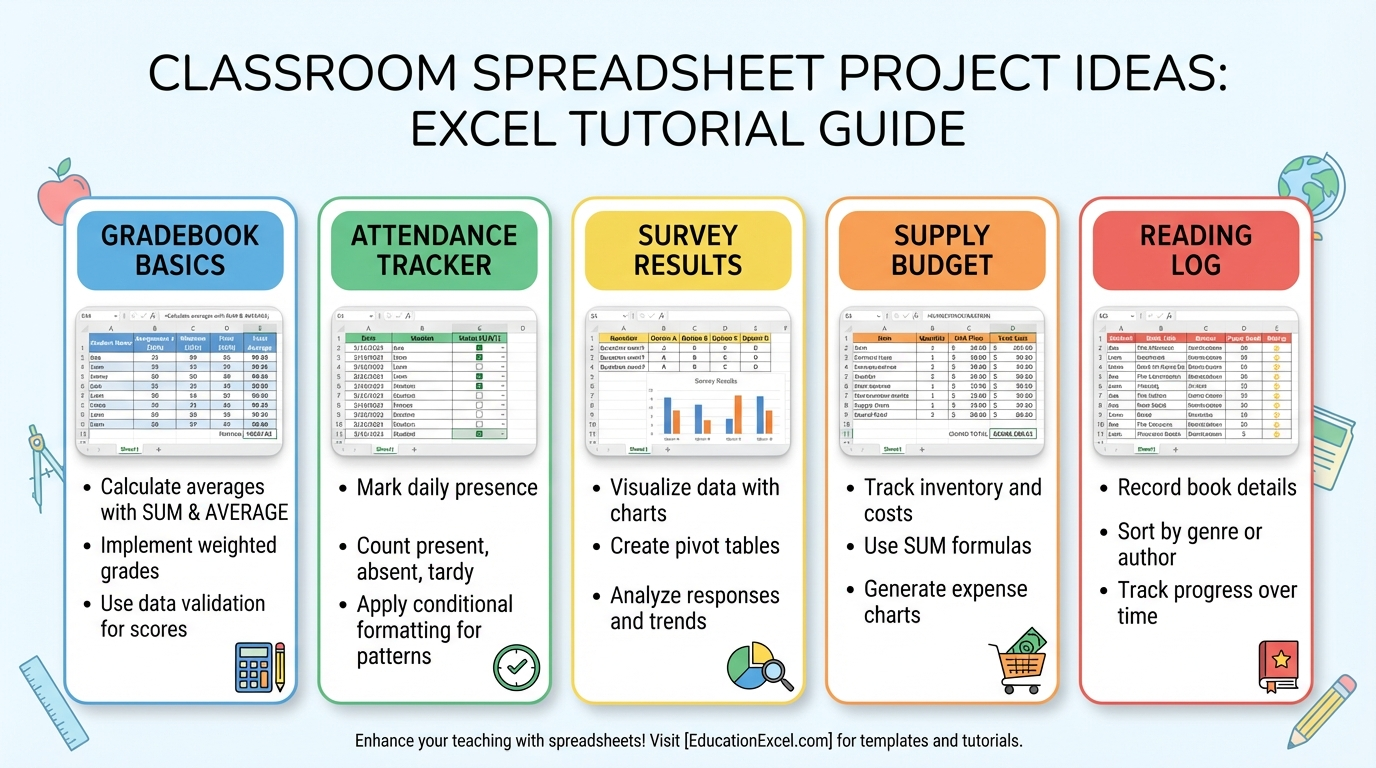
 Beginner Excel Projects Practice beginner-friendly Excel projects using real classroom and student tasks. |
Suggested starting point: Begin with Excel Basics if you are new to spreadsheets, or jump into a branch that matches your current goal.