| Sign Up For Our Newsletter |

| Sign Up For Our Newsletter |
Telling Time - CCSS 1.MD.B.3
Links verified on 07/18/2022
1. Clockwise.
Click Image to Enlarge
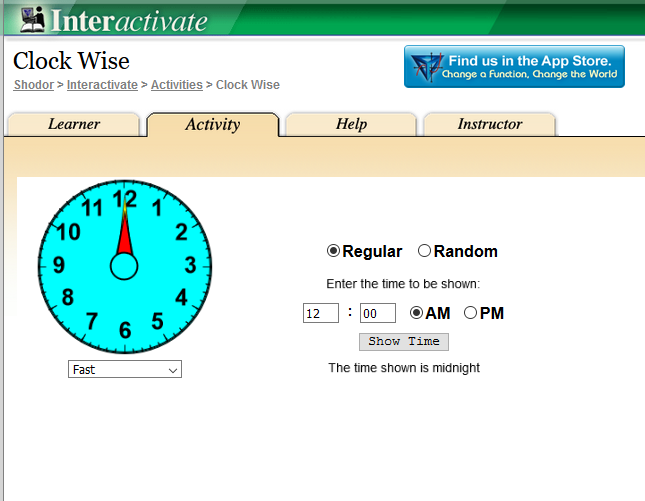
Interactive clock from Shodor, time is shown on a clock face and students enter correct time. Other related resources available under the learner tab. SEE MORE
2. Clockworks.
Click Image to Enlarge
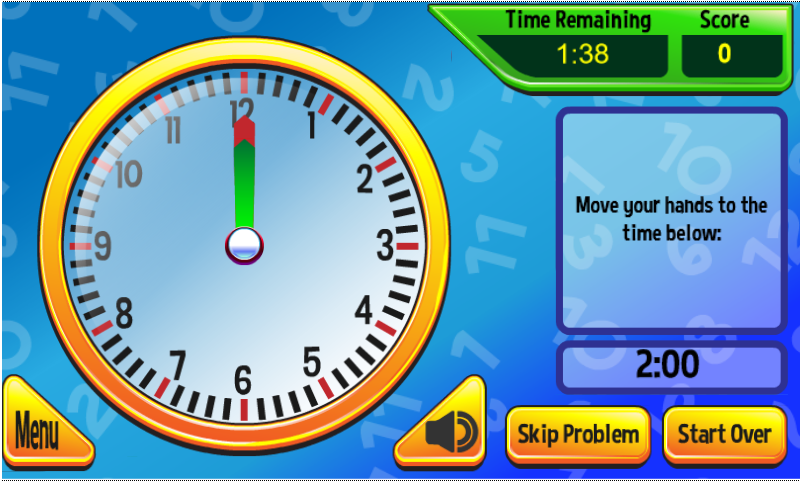
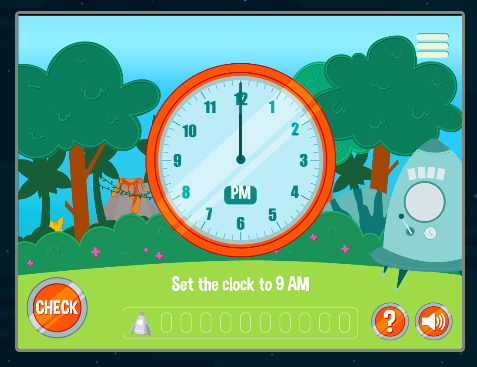
Set the clocks by dragging the hour hand and the minute hand to their correct positions. See how many clocks you can set in two minutes SEE MORE
3. Hour Quiz.
Click Image to Enlarge
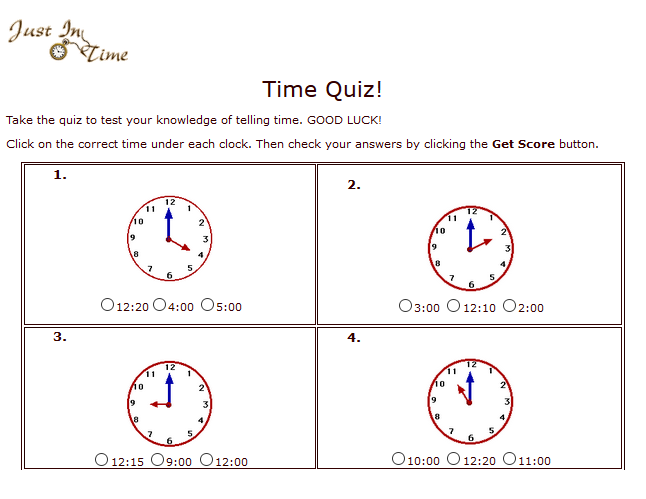
Click on the correct time under each clock. Then check your answers by clicking the Get Score button. [This expired link is available through the Wayback Machine Internet Archive.] SEE MORE
4. Learn to Tell Time!
Click Image to Enlarge
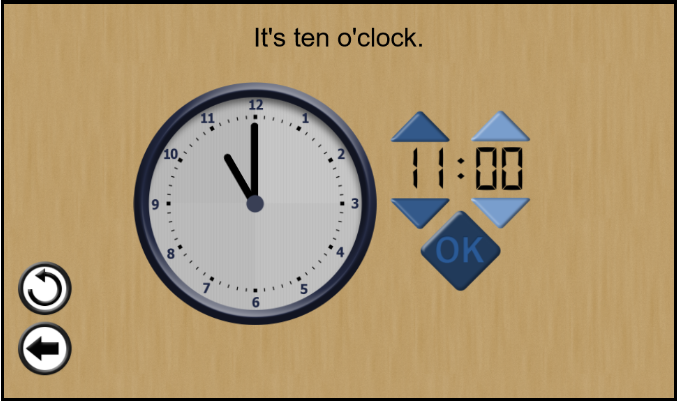
Practice setting the time on the clocks by selecting a type of clock and then dragging the hands of the analogue clock or by clicking the up and down buttons of the digital clock. There are four levels of difficulty. SEE MORE
5. Match Digital and Analog Clocks - Telling Time Game.
Click Image to Enlarge
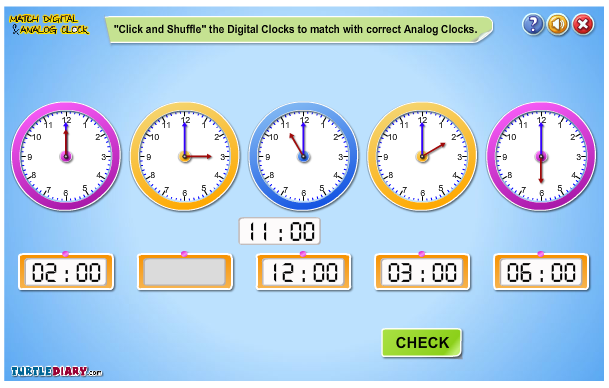
Learn how to identify and match the time on analog and digital clocks. In this game, kids need to 'Click and Shuffle' the digital clocks to match with correct analog clocks. The more they will play the game, the more they will understand the concept of time telling and time matching. SEE MORE
6. Time Clock.
Click Image to Enlarge
Set the hands of the clock to show the correct time. SEE MORE
7. Time Quiz - Practice half hour skills.
Click Image to Enlarge
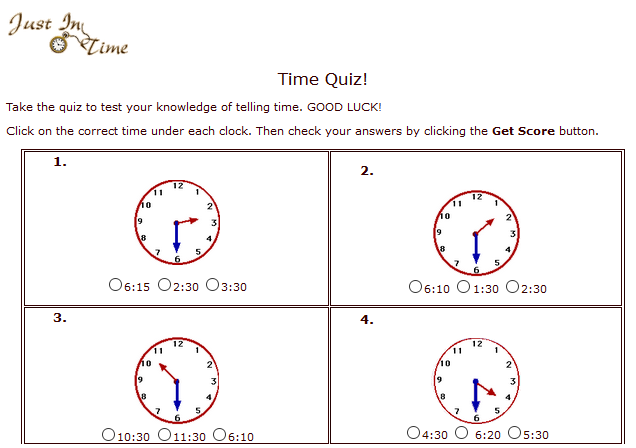
Click on the correct time under each clock. Then check your answers by clicking the Get Score button. [This expired link is available through the Wayback Machine Internet Archive.] SEE MORE
8. Time To Go.
Click Image to Enlarge
A lesson on how to tell time analog or digital to the half hour. SEE MORE
9. Time.
Click Image to Enlarge
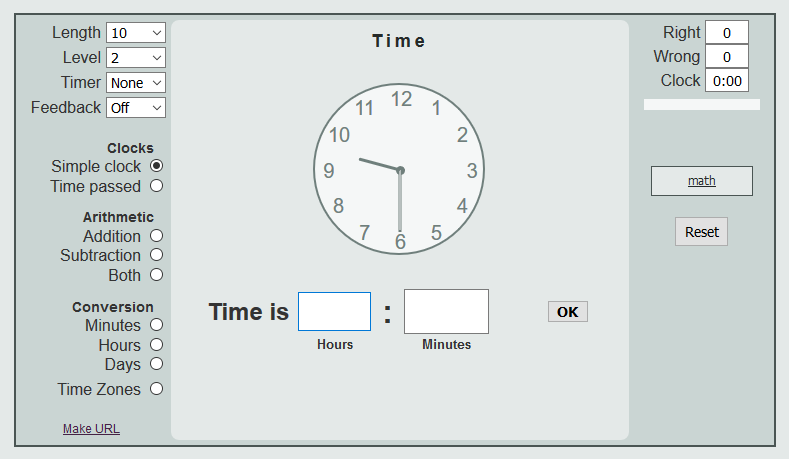
Choose the number of questions and your level. Write the time shown on the clock in hours and minutes. SEE MORE
10. What Time Is It?
Click Image to Enlarge
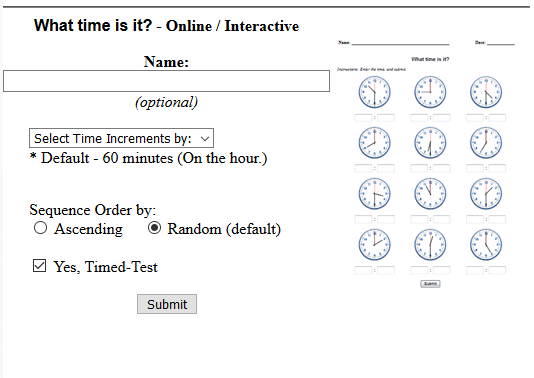
An interactive worksheet that can be used for a timed-test. Answer each question and then click "submit" to get your score. SEE MORE
11. What Time Is It? - [hours].
Click Image to Enlarge
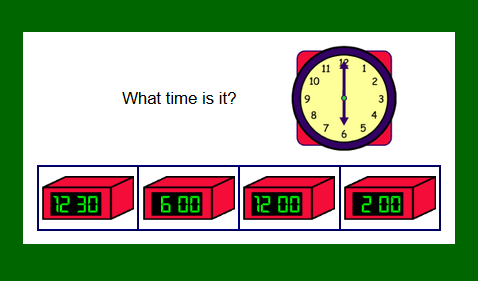
Look at the analog clock and tell the time. Then pick the digital clock that shows the same time. This game has 10 questions. SEE MORE

Internet4classrooms is a collaborative effort by
Susan Brooks and Bill Byles.


advertisement
advertisement
Use of this Web site constitutes acceptance of our Terms of Service and Privacy Policy.