| Sign Up For Our Newsletter |

| Sign Up For Our Newsletter |
Spelling - CCSS L.4.2.d
Links verified on 02/24/2023
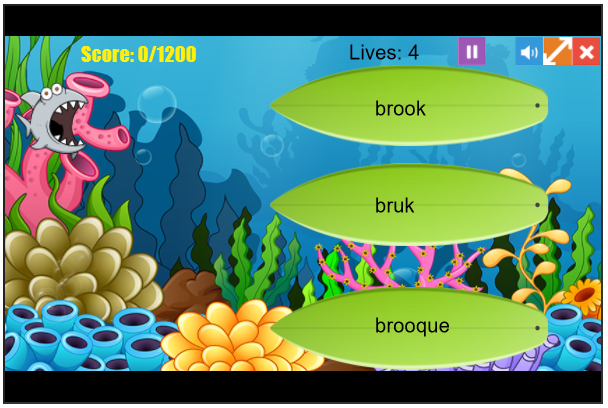
1. Crazy Fish.
Click Image to Enlarge
Try to eat all the surfboards with the correctly spelled words on them while avoiding surfboards with misspelled words. SEE MORE
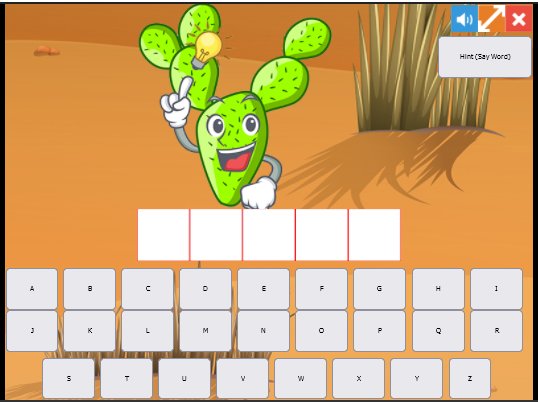
2. King Cactus.
Click Image to Enlarge
The object of the game is to save the fish from getting caught by the fisherman! Select a letter that you think is in the word and if it is wrong, bits of a fish start to appear on the hook. If you can't guess the word, then the whole fish in on the line and you are caught and end up in the fisherman's bucket! SEE MORE
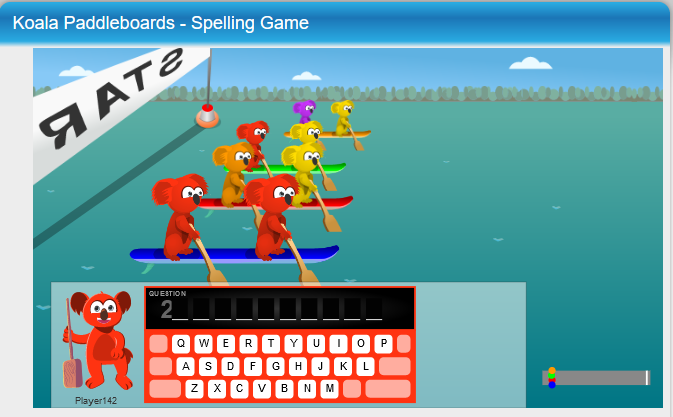
3. Koala Paddleboards.
Click Image to Enlarge
Here is fun way to practice spelling. This free word game allows students to compete in spelling. SEE MORE
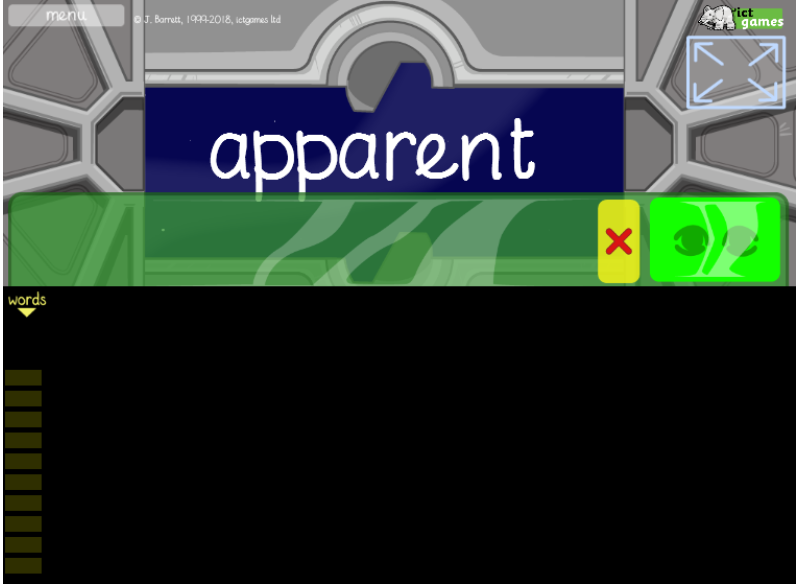
4. Look, Cover, Write and Check.
Click Image to Enlarge
Phonetic family of words to practice. Levels can be changed from easy to hard. SEE MORE
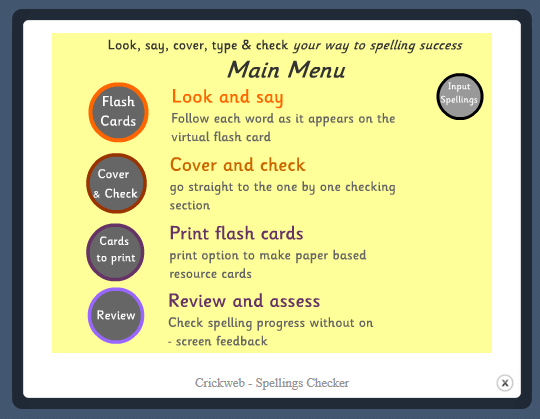
5. Look, Say, Cover, Type and Check.
Click Image to Enlarge
Type a list of ten spelling words, watch a flash card show, and remember the word and type it. SEE MORE
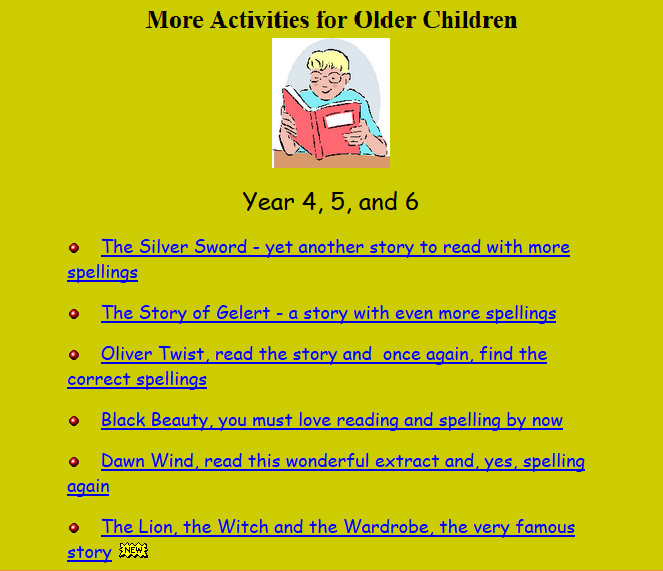
6. Online Stories.
Click Image to Enlarge
Find the correct spelling of the word from a drop down list as you read the story. When you have finished, click on the 'finished ' button to check your scores. SEE MORE
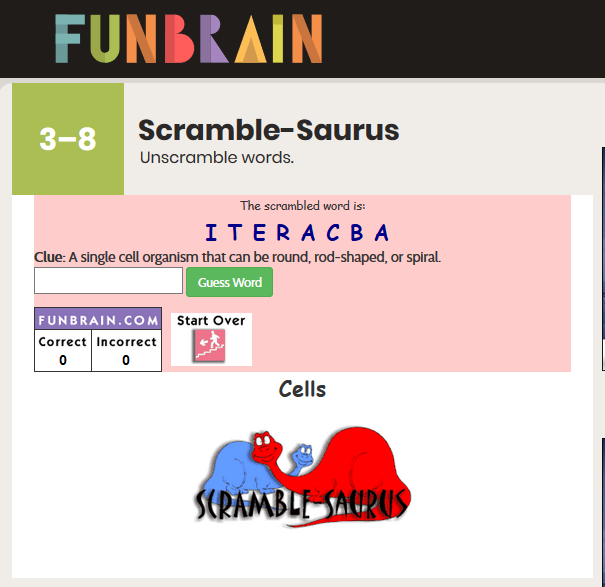
7. Scramble-Saurus Game.
Click Image to Enlarge
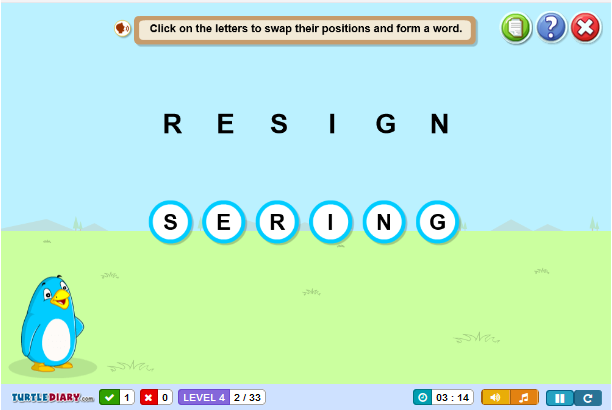
Choose a level and a theme. Unscramble the words using the clues that are given. SEE MORE
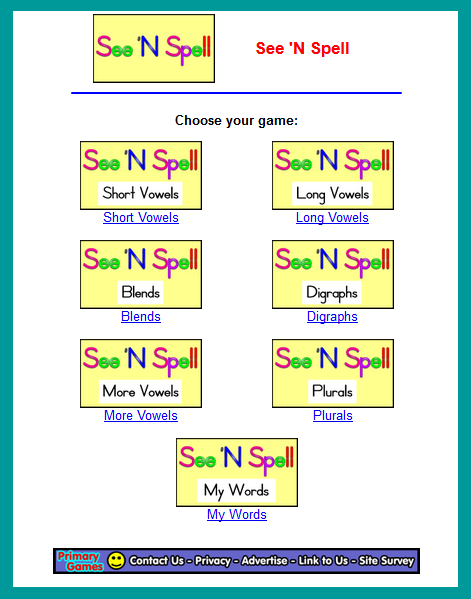
8. See 'N Spell.
Click Image to Enlarge
Students click and drag letters into the box to spell the words that correspond to the pictures. A very good activity with many skills such as plurals, long vowels, short vowels, blends and digraphs. SEE MORE
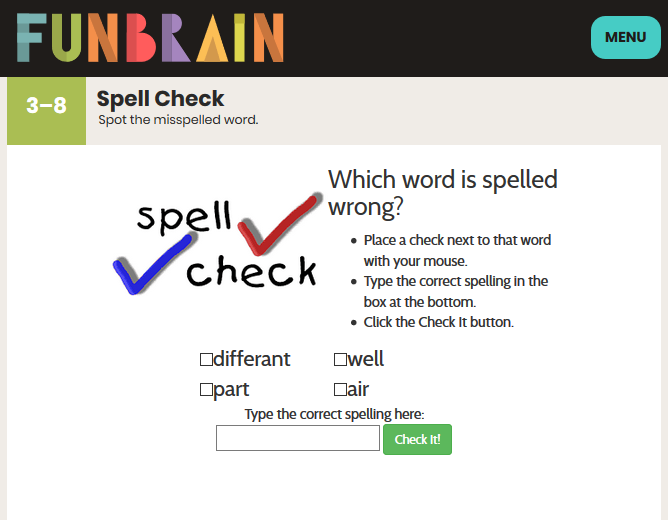
9. Spell Check.
Click Image to Enlarge
Can you spot the misspelled word? Identify the word that is spelled incorrectly, and then type in the correct spelling. SEE MORE
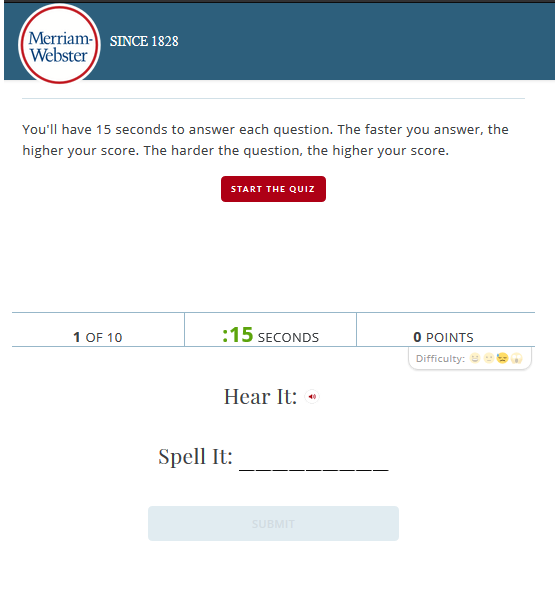
10. Spell It.
Click Image to Enlarge
You'll have 15 seconds to answer each question. The faster you answer, the higher your score. The harder the question, the higher your score. SEE MORE
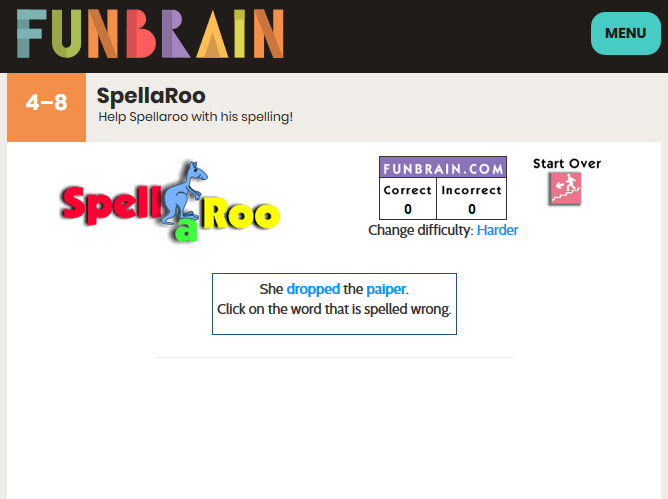
11. Spellaroo.
Click Image to Enlarge
Help Spellaroo with his spelling! Click on the misspelled word in the sentences. SEE MORE
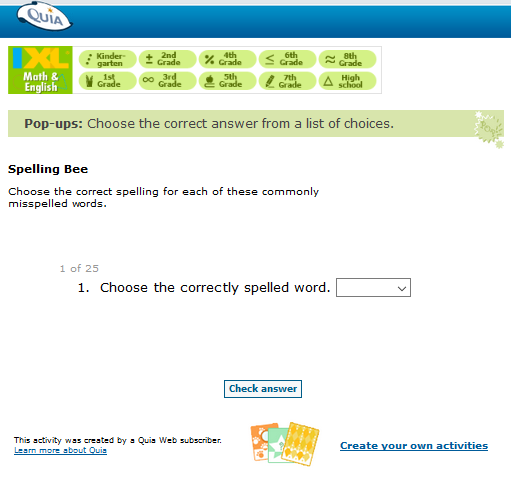
12. Spelling Bee.
Click Image to Enlarge
A Quiz Quia. Choose the correct spelling. Select the correct spelling of commonly misspelled words. SEE MORE
13. Spelling Snowballs.
Click Image to Enlarge
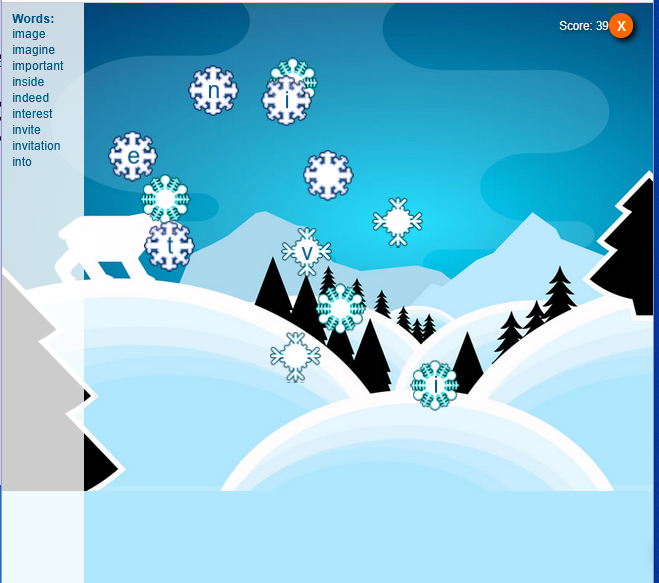
Click on the snowflakes in the correct order to spell the words in the list and stay cool! The game will count down from 400 seconds. You will lose 5 seconds for each incorrect letter. SEE MORE
14. Word Scramble Game.
Click Image to Enlarge
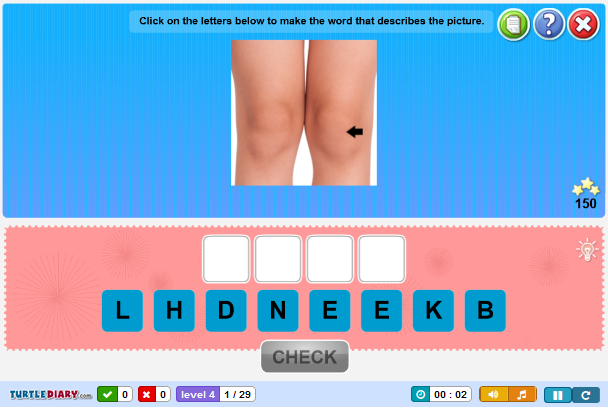
Look at each picture and identify the word. Rearrange the given letters to form the word. This is a great way to help build, test and enhance vocabulary and spelling skills. SEE MORE
15. Words Unscramble - Spelling Game.
Click Image to Enlarge
Unscramble Words to find the correct answer in this interactive game for all ages. SEE MORE

Internet4classrooms is a collaborative effort by
Susan Brooks and Bill Byles.


advertisement
advertisement
Use of this Web site constitutes acceptance of our Terms of Service and Privacy Policy.