1st Grade Interactive Language Arts Skill Builders
Opposites - CCSS L.1.5
Links verified on 02/27/2026
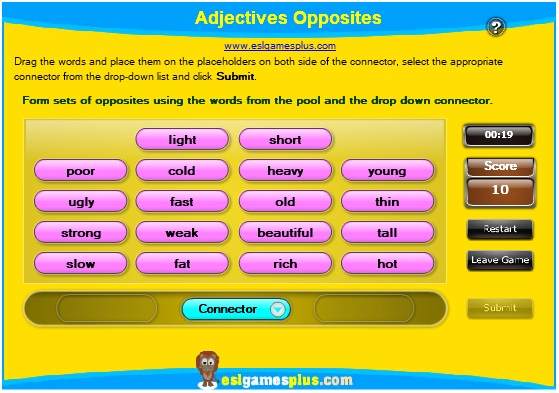
1. Adjectives Opposites.
Click Image to Enlarge
Drag the words and place them on the placeholders on both side of the connector, select the appropriate connector from the drop-down list and click submit. SEE MORE
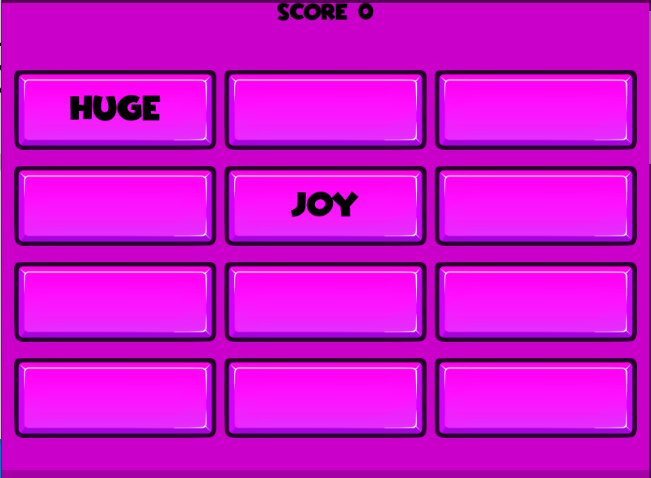
2. Antonym Matcher.
Click Image to Enlarge
Click on the boxes to try and find words that have opposite meanings. SEE MORE
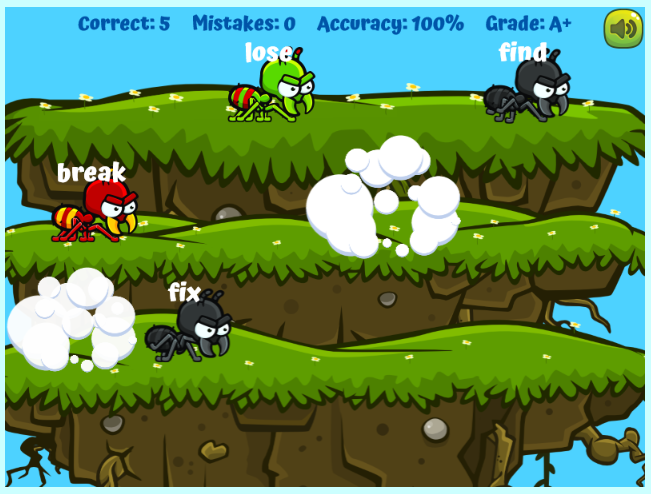
3. ANTonyms.
Click Image to Enlarge
Click on the two ants that show antonyms. SEE MORE
4. Balloon Pop - Opposites.
Click Image to Enlarge
Pop the balloons to drop each keyword onto its matching definition. SEE MORE
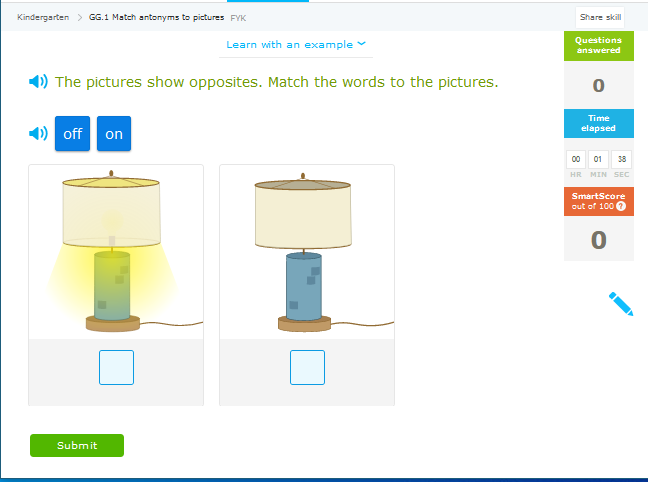
5. IXL-Antonyms (Pictures).
Click Image to Enlarge
The pictures show opposites. Match the words to the pictures. SEE MORE
6. IXL-Antonyms.
Click Image to Enlarge
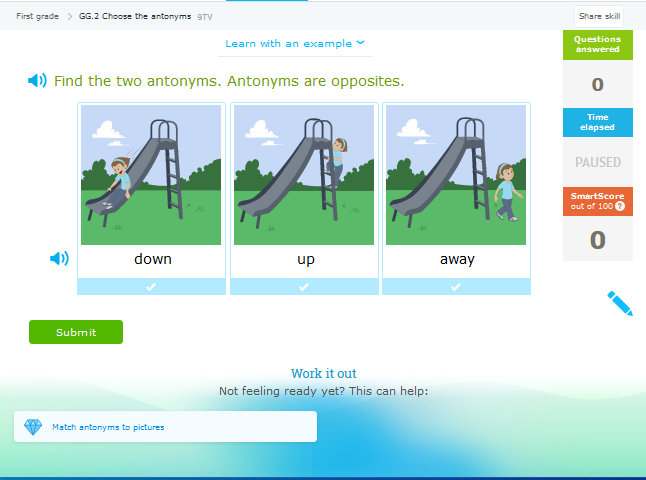
Choose the antonyms. SEE MORE
7. Level 1 Opposites Flip Tiltes.
Click Image to Enlarge
Explore a series of two sided tiles by tapping to zoom and swiping to flip. SEE MORE
8. Match the Antonyms!
Click Image to Enlarge
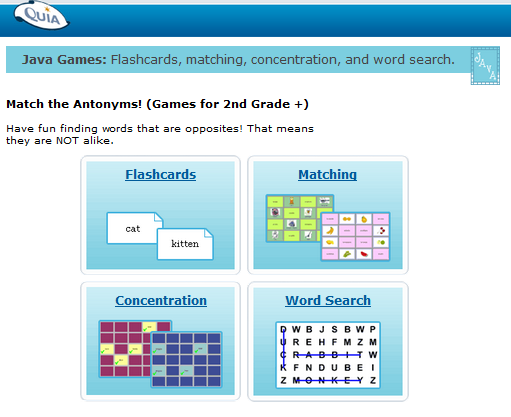
Take the challenge and have fun finding words that are opposites. Four games: Flashcards, matching, concentration, and word search SEE MORE
9. Opposite Words.
Click Image to Enlarge
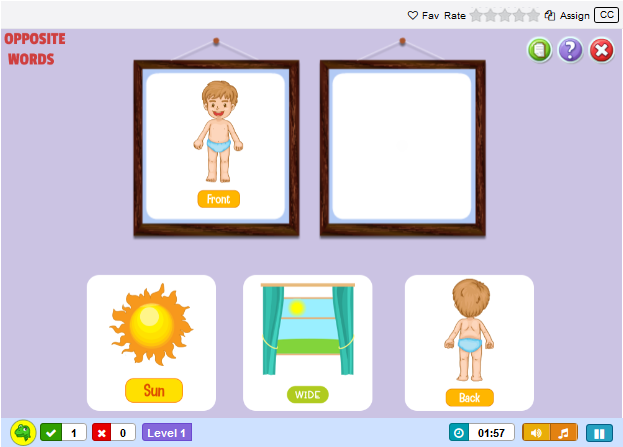
This game is an interactive vocabulary lesson for kindergarteners. Designed to teach kids common opposite words. Kids will learn to identify and recall opposite words through a simple matching exercise, in which they have to match the words to their opposites SEE MORE
10. Opposites Game.
Click Image to Enlarge
Choose the "play online" button to continue to play this opposites game. SEE MORE
11. Simple Opposites 1.
Click Image to Enlarge
For each pair of pictures, listen to the directions and choose the correct answer. SEE MORE
12. Simple Opposites 2.
Click Image to Enlarge
For each pair of pictures, listen to the directions and choose the correct answer. SEE MORE
13. Tiny Tap - Antonyms.
Click Image to Enlarge
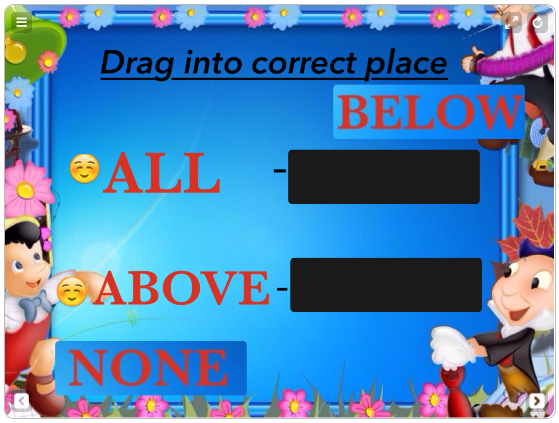
Drag words into the correct place. SEE MORE




Internet4classrooms is a collaborative effort by
Susan Brooks and Bill Byles.