| Sign Up For Our Newsletter |

| Sign Up For Our Newsletter |

MS Word Menu Items
Tools, Window, and Help menu items
In the Table below, select which menu you would use to perform the stated action.
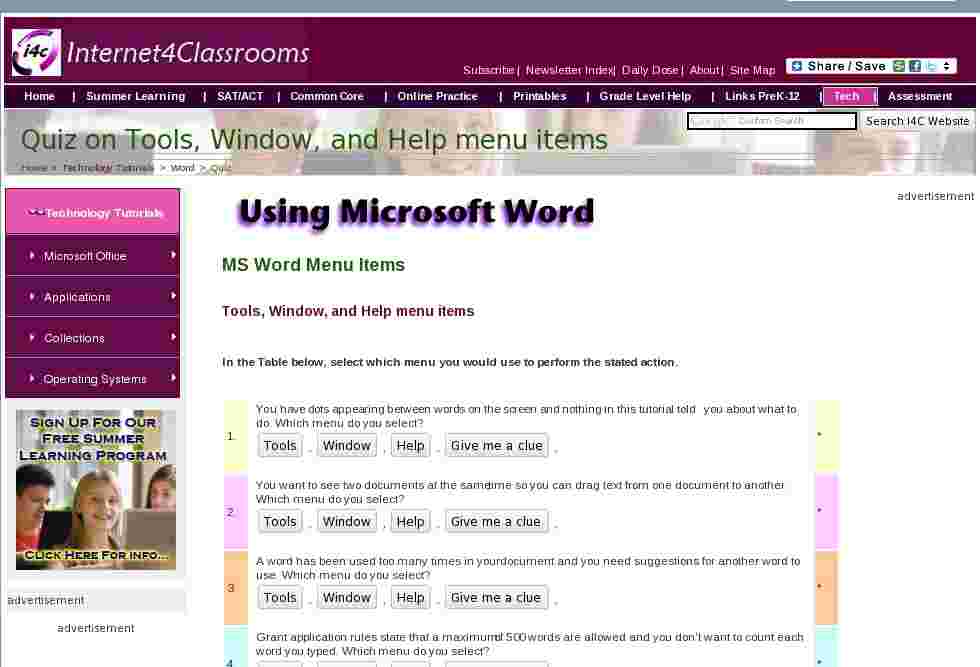
2. You want to see two documents at the same time so you can drag text from one document to another. Which menu do you select?
* 3. A word has been used too many times in your document and you need suggestions for another word to use. Which menu do you select?
* 4. Grant application rules state that a maximum of 500 words are allowed and you don't want to count each word you typed. Which menu do you select?
* 5. You have seven documents open at the same time and want to move from one to another. Which menu do you select?
* 6. A button is missing from the formatting toolbar. You want to put it back in the bar. Which menu do you select?
* 7. A friend wants to send you a document by Email and you are not sure which version of Word you are using. Which menu do you select?
* 8. You want to open another window with the same document. You are about to make changes, but don't want to take a chance on losing the original document. Which menu do you select?
* 9. You want to be
curtaincertain that all of your words are spelled correctly. Which menu do you select?
* 10. Your document is too long to be included in a report and it needs to be summarized. Which menu do you select?
*
Go to Using Keyboard Shortcuts in Microsoft Word
Go back to Using Microsoft Word to Produce Classroom Documents

Internet4classrooms is a collaborative effort by
Susan Brooks and Bill Byles.


advertisement
advertisement
Use of this Web site constitutes acceptance of our Terms of Service and Privacy Policy.


